Skip to content

Case management software should help social service teams spend less time managing information and more time supporting clients. But not every system offers the flexibility, security, and reporting capabilities nonprofits need.
Whether you are evaluating your current system or comparing new options, these 10 features can help you identify software that fits your programs, supports your staff, protects sensitive information, and helps your organization demonstrate its impact.
1. Client Tracking
One of the fundamental features of social work case management software is client tracking. This feature allows social workers to maintain detailed records of their clients, including contact information, case history, demographics, and more.
Effective client tracking ensures that social workers have all the necessary information at their fingertips, enabling them to provide personalized and timely support.
What to look for
Look for a system that lets your organization customize client profiles, fields, forms, relationships, and service histories around the information your programs actually need. Staff should be able to find a complete and up-to-date view of each client without searching across multiple spreadsheets or systems.
Questions to ask:
- Can we customize client records for different programs?
- Can staff quickly see a client’s history, services, relationships, and current status?
- Can access to sensitive information be restricted by role?
How Sumac supports this
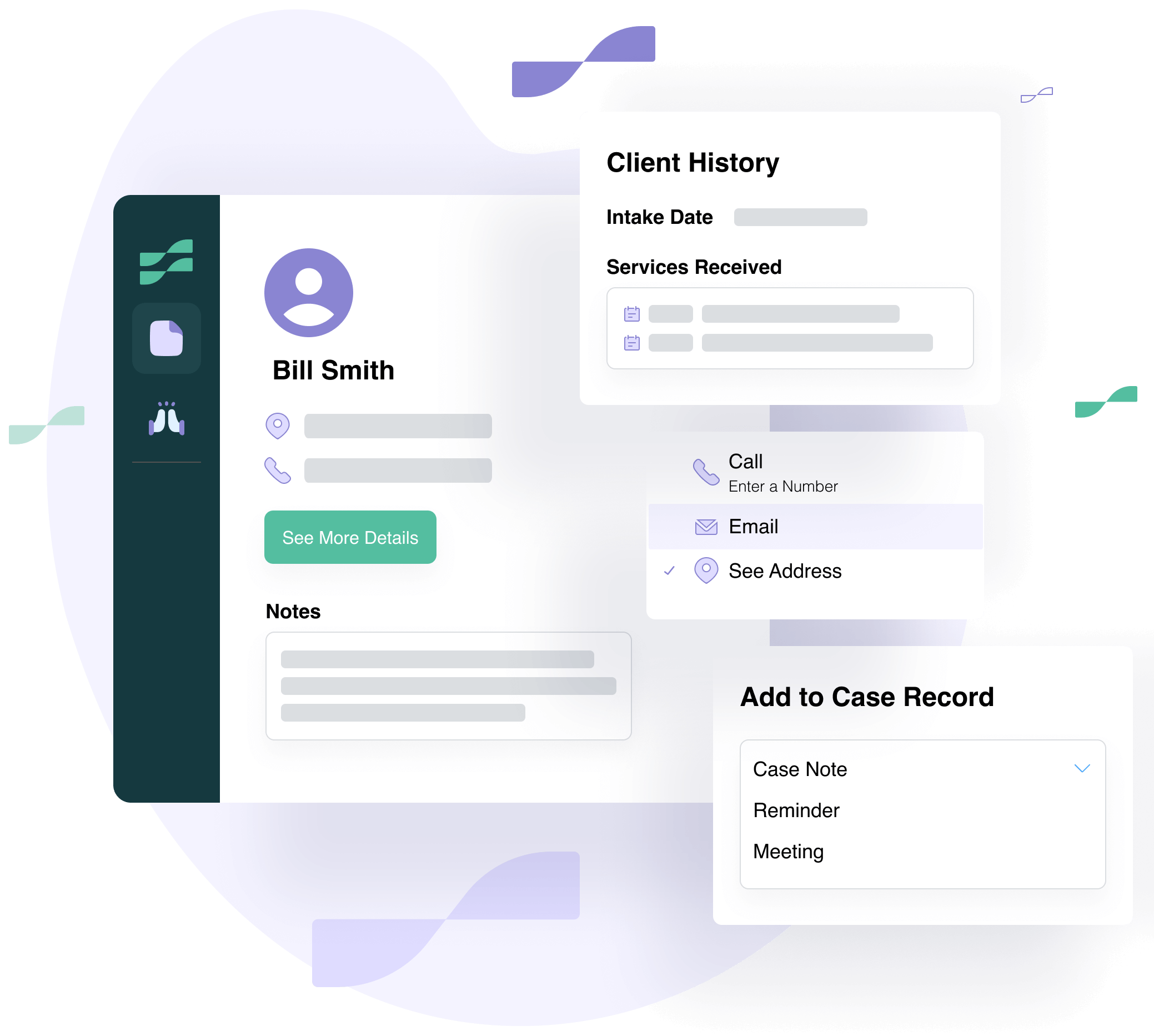
Sumac allows nonprofits to configure client records, fields and forms around their programs and information requirements. Staff can keep client details, service history, relationships and case activity connected within one record.
2. Documentation and Case Notes
Proper documentation is essential in social work, as it provides a clear record of interactions, progress, and outcomes.
Social work case management software should include robust documentation management features, such as templates for progress notes, treatment plans, and discharge summaries. This not only saves time but also ensures consistency and accuracy in record-keeping.
What to look for
The software should make it easy for staff to create consistent, timely case notes and securely connect them to the correct client or case. Look for customizable templates, required fields, timestamps, document uploads, and tools that reduce repetitive data entry.
Questions to ask:
Can we create case note templates for different programs or services?
Can supervisors review documentation and identify missing information?
Can staff securely attach documents, assessments, and supporting files?
How Sumac supports this
Sumac helps staff organize case notes and other client documentation in the appropriate client or case record, including client e-signature forms. Organizations can configure the information they collect to support more consistent documentation across programs.
3. Appointment Scheduling and Reminders
Managing appointments is a critical aspect of social work. Social work case management software should offer appointment scheduling features that allow social workers to keep track of their clients’ appointments, set reminders, and avoid scheduling conflicts. This ensures that clients receive timely support and that social workers can manage their time effectively.
What to look for
Look for scheduling tools that connect appointments directly to client records and help staff manage follow-ups. Useful capabilities may include recurring appointments, staff calendars, reminders, meeting notes, and visibility into upcoming client activities.
Questions to ask:
Are appointments connected to the client’s complete record?
Can staff set reminders for appointments and follow-up tasks?
Can managers see upcoming program activities and staff workloads?
How Sumac Supports this
Sumac includes an intuitive appointment scheduling system that integrates seamlessly with client records. This feature helps social workers stay organized and ensures that no appointments are missed.
4. Mobile Caseworker Access
Social workers are often on the go, visiting clients in their homes, hospitals, or other community settings.
Social work case management software should offer mobile accessibility, allowing social workers to access client information, update records, and manage appointments from their mobile devices. This ensures that social workers have the tools they need, wherever they are.
What to look for
Caseworkers may need to review information or record updates while visiting clients, delivering services in the community, or working away from the office. Mobile access should let authorized staff securely complete common case management tasks without requiring them to wait until they return to a desktop computer.
Questions to ask:
- Can caseworkers securely review client and case information on a mobile device?
- Can they add case notes, update records, and manage appointments while in the field?
- Are permissions and security controls maintained on mobile devices?
How Sumac supports this
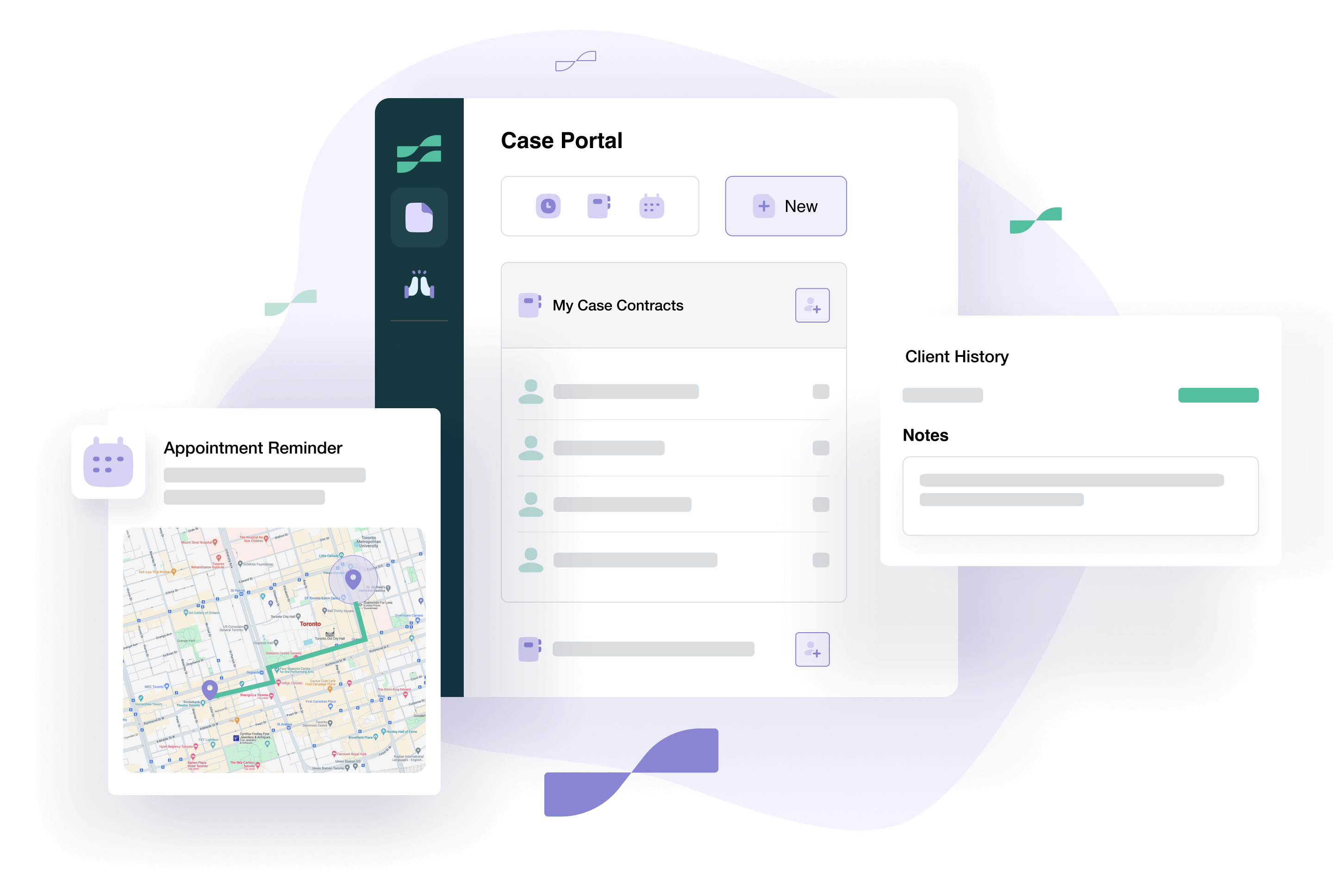
Sumac’s Case Portal allows for mobile caseworker access to client and case information. Staff can manage client records, case notes and meetings while working away from the office.
5. Security, Privacy and Compliance
Nonprofits often collect highly sensitive information about clients, health, housing, family circumstances, finances, and services received. Case management software should protect this information throughout its lifecycle—not simply store it behind a password.
Look for safeguards such as encryption, role-based permissions, audit logs, secure backups, access controls, and support for applicable privacy requirements such as HIPAA and PIPEDA compliance.
What to look for
Ask software providers to explain both their technical safeguards and the responsibilities your organization will retain when configuring and using the system.
Questions to ask:
Does the software support HIPAA, PIPEDA, or other requirements relevant to our organization?
Are role-based permissions and audit logs available?
How is information encrypted, backed up, and recovered?
Will the provider sign a Business Associate Agreement when required?
How Sumac supports this
Sumac includes role-based permissions, access controls, encryption, backups and audit capabilities to help nonprofits protect sensitive client information. It also supports organizations working under requirements such as HIPAA and PIPEDA.

6. Integration and Data Portability
Case management software rarely operates in complete isolation. Your organization may need to connect it with accounting, communications, fundraising, forms, or other systems. Even when a direct integration is unavailable, staff should be able to import and export information in practical formats.
What to look for
Focus on the systems your organization actually uses rather than choosing software based on the longest integration list. Confirm exactly what data can move between systems, whether updates happen automatically, and whether additional fees or technical support are required.
Questions to ask:
Does the software connect with the tools we currently use?
Can we easily import existing client and program information?
Can we export our information in a usable format?
Are integrations native, manual, or dependent on a third-party tool?
How Sumac supports this
Sumac integrates seamlessly with other systems, including Quickbooks, Mailchimp and Sumac Donations Extension. This interoperability enhances collaboration and streamlines workflows, allowing you to focus on providing the best care for your clients.
7. Customizable Workflows
Every organization has unique processes and requirements. Social work case management software should offer customizable workflows that can be tailored to your organization’s specific needs.
This flexibility ensures that the software adapts to your processes, rather than forcing you to change the way you work.
What to look for
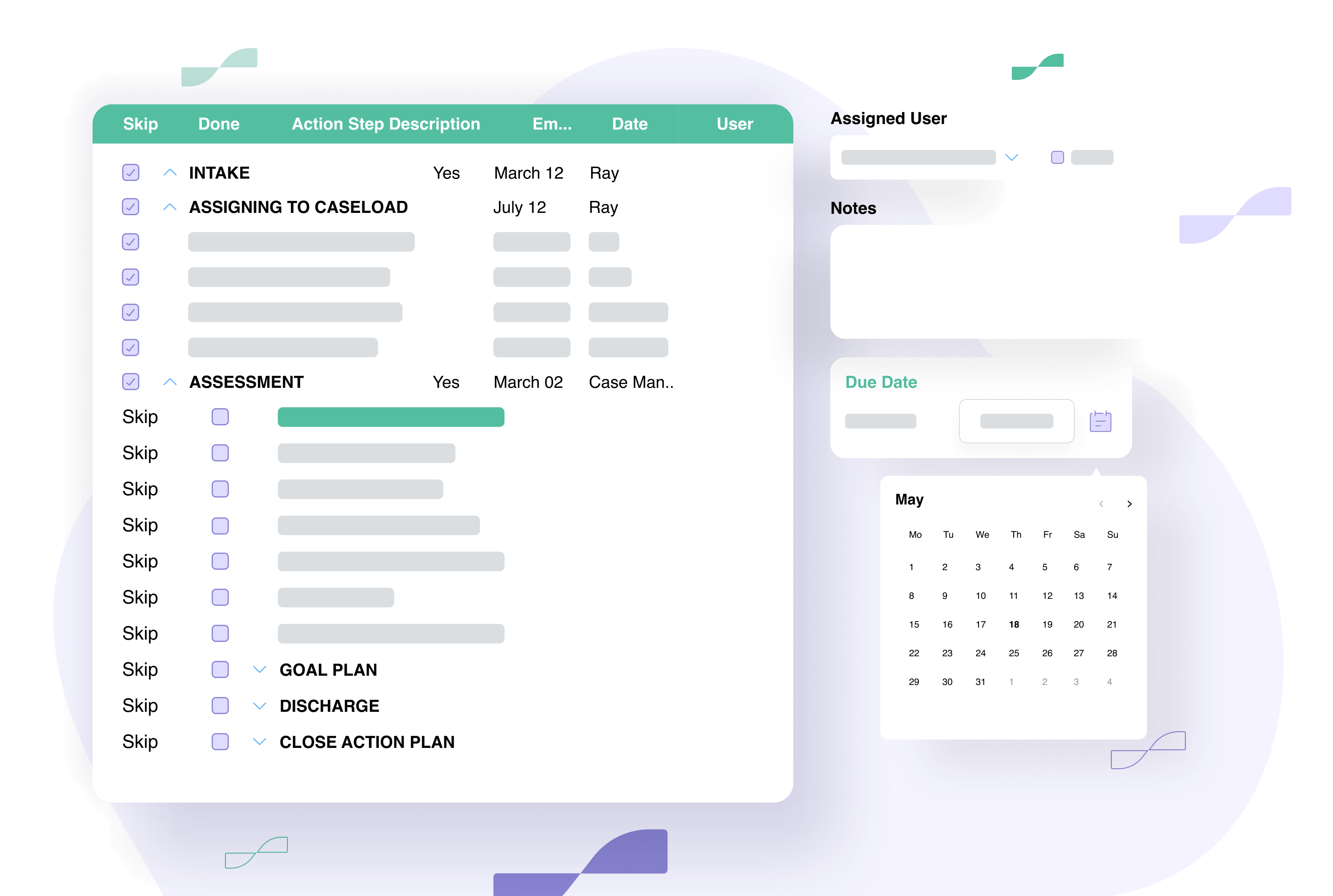
The software should adapt to your organization’s service-delivery process rather than forcing every program into a rigid, predetermined workflow. Look for the ability to configure stages, forms, fields, tasks, reminders, permissions, and reporting requirements for different programs.
Questions to ask:
- Can different programs follow different workflows?
- Can we configure intake steps, assessments, referrals, approvals, and follow-ups?
- Can our team make routine changes without custom development?
- What support is available for initial setup and future changes?
How Sumac supports this
Sumac can be configured around different programs, intake processes, forms, services and reporting requirements. This allows nonprofits to support multiple workflows without forcing every program into the same structure.
8. Ease of Use and Implementation Support
Even powerful software will struggle to deliver value if staff find it confusing or difficult to adopt. Ease of use should be evaluated alongside the implementation, training, data migration, and ongoing support available from the provider.
What to look for
Ask the people who will use the software regularly to participate in the evaluation process. A guided demonstration using realistic program scenarios can reveal more than a general product tour.
Questions to ask:
Can frontline staff complete common tasks without unnecessary steps?
What onboarding and training are included?
Will the provider help configure the system around our programs?
What support is available after implementation?
Is there an additional cost for migration, configuration, or training?
How Sumac supports this
Sumac offers free, top-rated human support. It also features a user-friendly interface that is designed with social workers in mind. The intuitive layout and helpful resources make it easy to get started and maximize the software’s potential.
9. Transparent and Scalable Pricing
The lowest advertised price is not always the lowest total cost. Nonprofits should understand what is included in the base subscription and what may cost extra as the organization grows.
What to look for
Compare the full cost of the system, including user licences, implementation, data migration, training, support, storage, integrations, add-ons, and future configuration changes.
Questions to ask:
What is included in the base price?
Are there limits on users, client records, programs, storage, or reports?
Which features require paid add-ons?
Are implementation, migration, training, and support included?
How will our cost change as our team or programs grow?
How Sumac supports this
Sumac offers flexible pricing plans that start at $179/month, including support and upgrades. With its comprehensive features and cost-effective pricing, Sumac ensures that you get the best value for your investment.
10. Outcome Tracking and Reporting
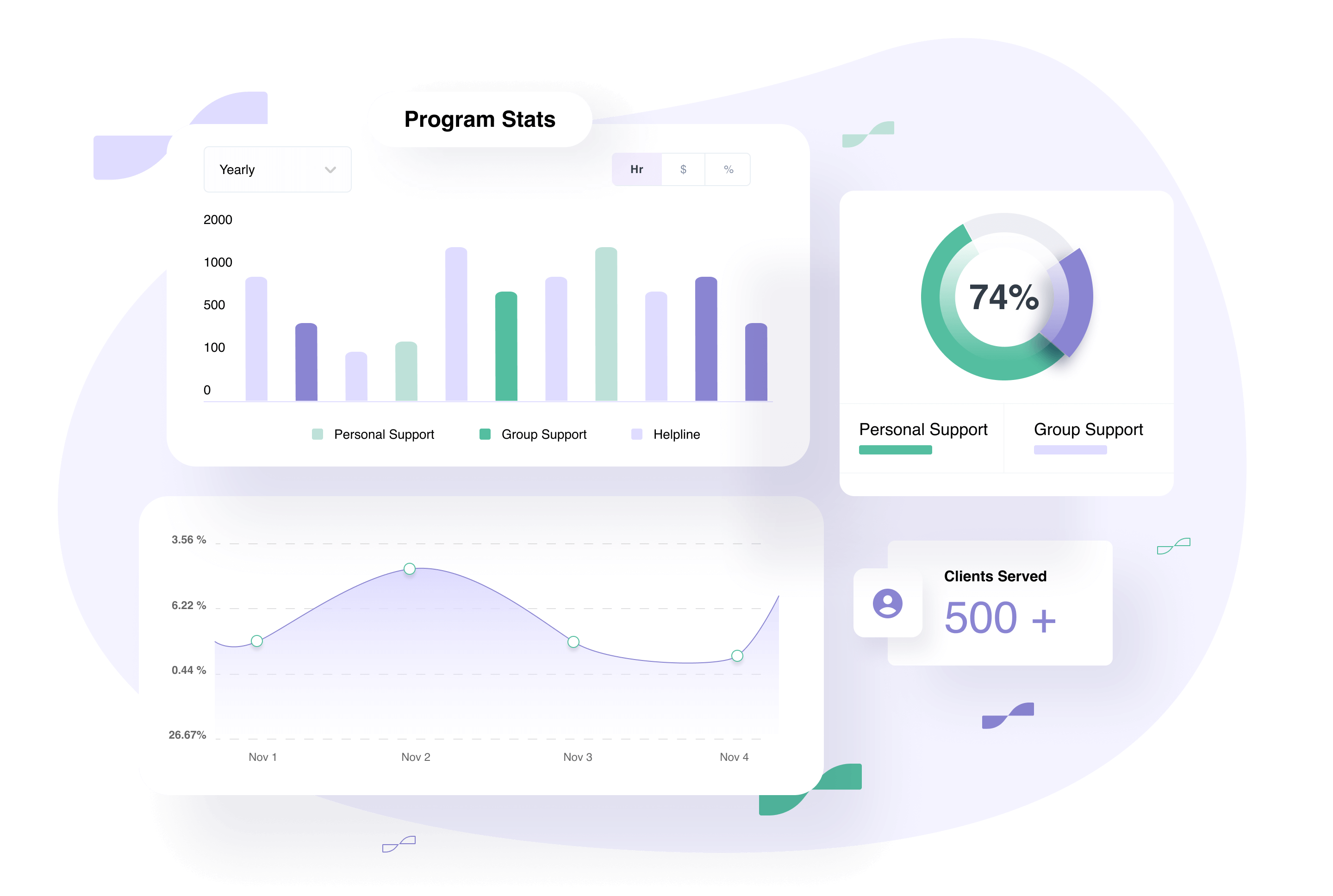
Nonprofits need more than activity totals. Nonprofit case management software reporting should help organizations understand whether services are contributing to meaningful changes in clients’ lives.
Look for tools that can track assessments, goals, progress, services delivered, changes over time, program outputs, and client outcomes. The system should also make it easier to produce reports for funders, boards, leadership teams, and other stakeholders.
What to look for
The best reporting tools allow organizations to connect individual client progress with broader program results, without requiring staff to manually combine information from multiple spreadsheets.
Questions to ask:
Can we define and track outcomes that are specific to each program?
Can we record baseline assessments and measure changes over time?
Can reports connect services delivered with client progress and outcomes?
Can staff create funder ready reports without advanced technical skills?
Can reports be filtered by program, demographic, service, date, location, or funding source?
Can dashboards and reports be customized as requirements change?
How Sumac supports this
Sumac helps nonprofits track client assessments, goals, services, progress and outcomes over time. Organizations can create reports using their own program data to support internal decision-making, funder reporting and impact measurement.
Before Choosing Case Management Software
Before selecting a system, involve the people who will use, manage, and report from it. Ask each provider to demonstrate how the software would support a realistic process from your organization, such as intake, assessment, service delivery, case notes, follow-up, outcome tracking, and reporting.
Consider asking these essential questions:
- Can the software be configured around our existing programs and workflows?
- How will our current client and case data be migrated?
- What training and implementation support will our team receive?
- How does the system protect sensitive client information?
- Can it track both services delivered and outcomes achieved?
- Can staff create the reports required by our funders?
- What will the total cost be as our organization grows?
- Can we access and export our information if we ever change systems?
Choosing Software That Fits Your Organization
The best case management software is not necessarily the system with the longest feature list. It is the one that fits your programs, supports your staff, protects client information, and helps your organization understand and demonstrate its impact.
Before making a decision, document your current workflows, involve frontline staff, and identify the information your organization needs to collect and report. Then ask software providers to demonstrate how their system would support those specific requirements.
Sumac can be a great option for teams manage client information, case notes, services, workflows, outcomes, reporting, and mobile caseworker access in one configurable system.